
Maintain your IT without losing sight of your business.
An update, ageing equipment or a forgotten configuration can turn into an operational issue. Maintenance means organising the right actions, their timing and their follow-up.
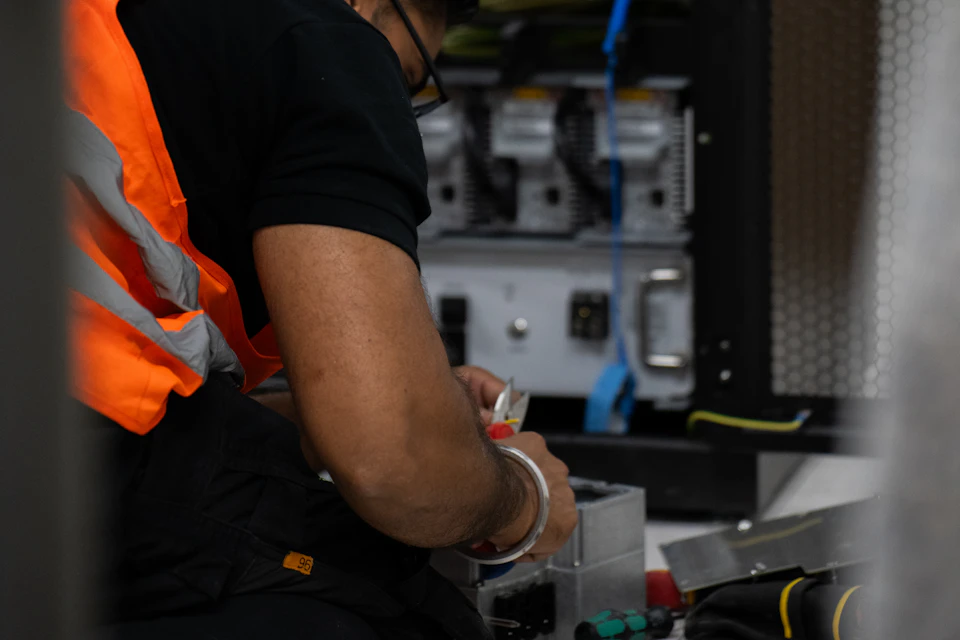
Know the IT estate before stepping in.
We identify the equipment concerned, how it is used, the applications it depends on and the maintenance conditions. An office computer and a workstation connected to a production environment are not handled in the same way.
Plan sensitive operations.
Agreed actions must take working constraints into account: busy periods, when users are present, and the availability of business contacts. Post-intervention checks and rollback conditions are prepared when the change requires it.
Separate upkeep from transformation.
Maintaining an environment does not mean fully modernising it. An equipment refresh, a migration or a change of application may call for a dedicated project. We help you distinguish what can be maintained from what warrants a decision to change.
Leave a usable record.
Follow-up should make clear the actions carried out, any limits encountered and the points to watch. The reporting format and the equipment covered are specified in the scope, so the information stays useful to whoever steps in next.
Your questions
Can all updates be automatic?
The approach depends on applications, compatibility and how critical systems are. Some operations require testing or approval.
Does maintenance prevent all breakdowns?
No. It helps keep track of your environment, but it does not eliminate incidents or the need to prepare how they are handled.
Got a digital issue? You don’t have to work out who should handle it.
Describe your situation in your own words. The Skill Group team will get back to you to talk it through.